Modify a Department
To manage departments, go to Departments menu item.
To modify a department, click the pencil icon under ACTION column of the specific row in the list of the departments. or Just click directly on that department, and you can edit it right away.
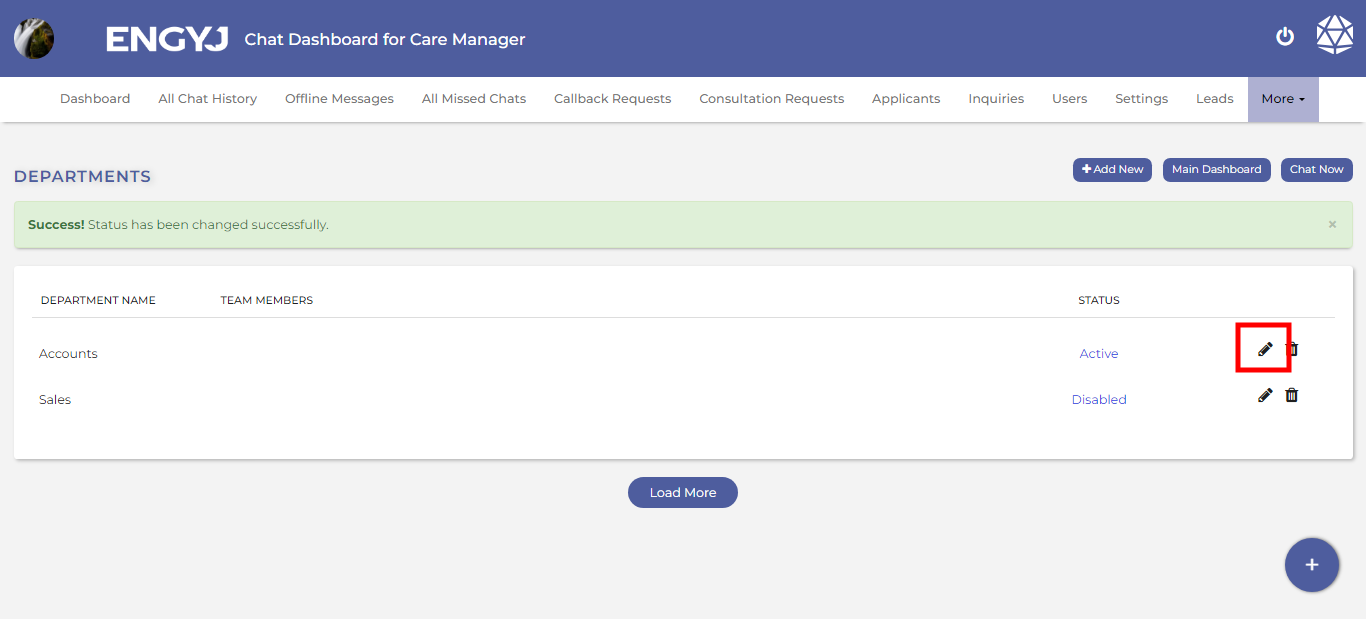
This will open a dialogue box where you can change the name of the department and save it.