Modify a Department
To manage departments, go to Departments menu item.
To modify a department, click the pencil icon under ACTION column of the specific row in the list of the departments.
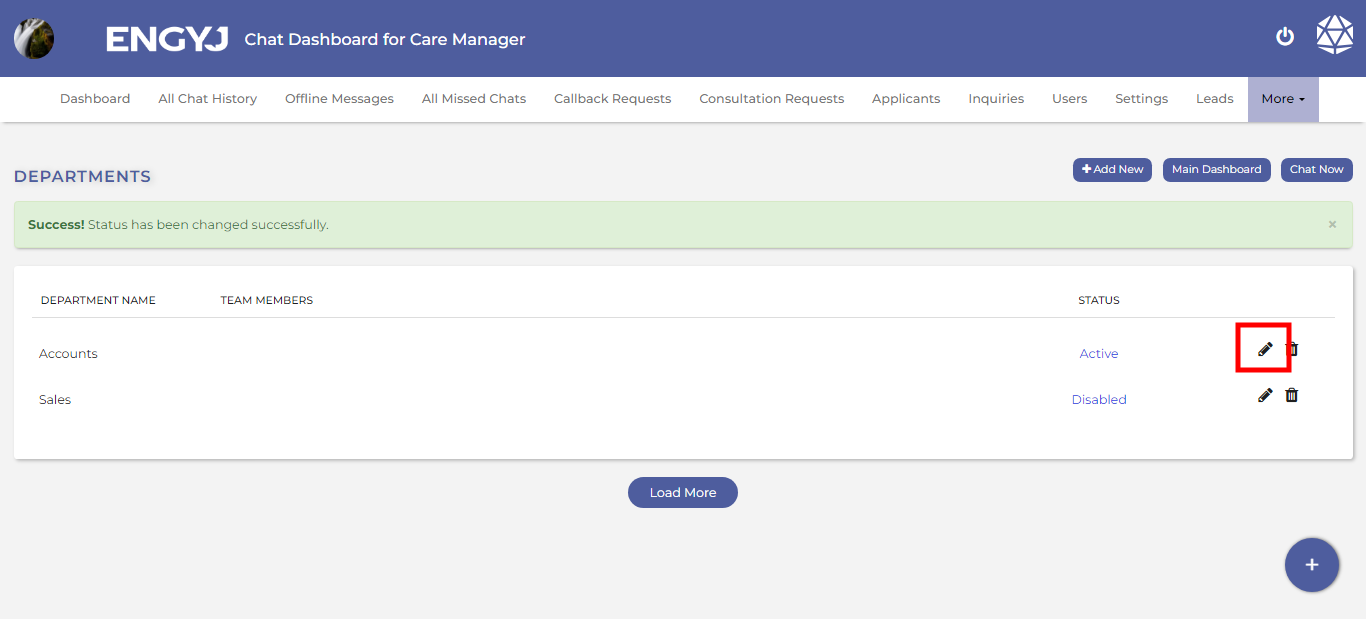
This will open a popup box where you can change the name of the department and save it.