Delete Offline Messages
To view Offline Messages, go to the Offline Messages menu item.
You can delete a chat by clicking on the delete icon in the right column.
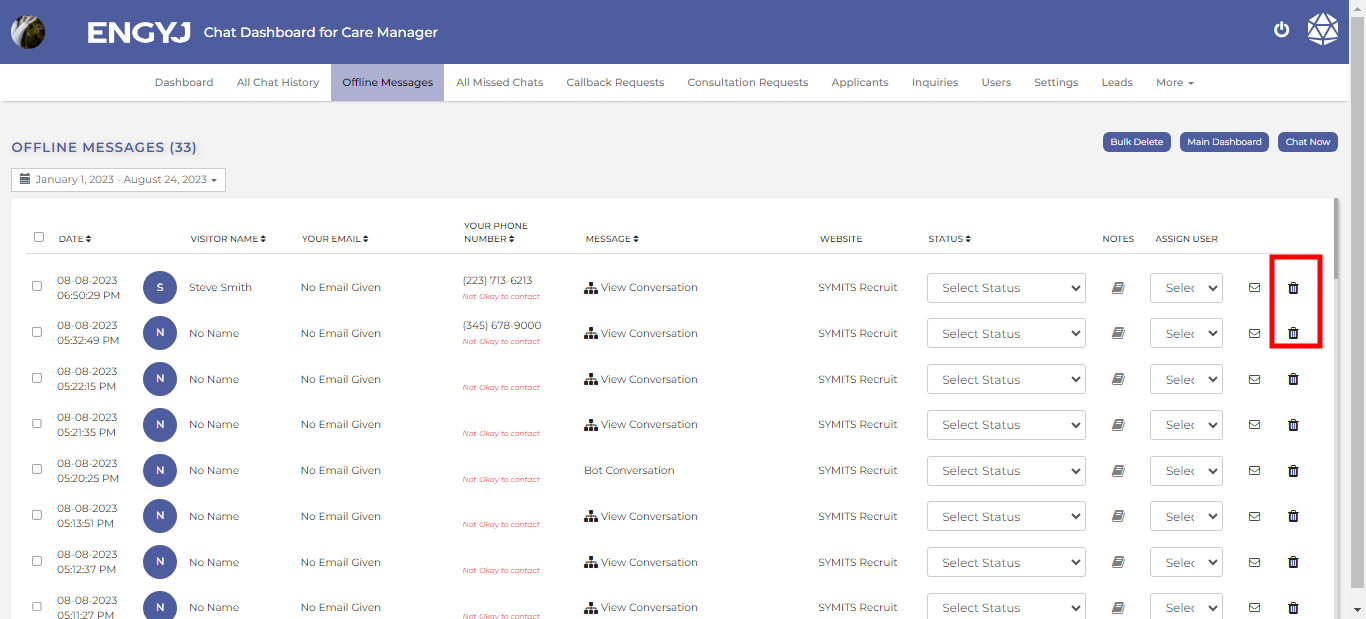
This will open a confirmation popup box with YES and No options to confirm before deleting a Chat. If chosen YES, then the Chat will be deleted from list.