Create a New Department
To manage departments, go to More > Departments menu item.
To create a new department there are two option
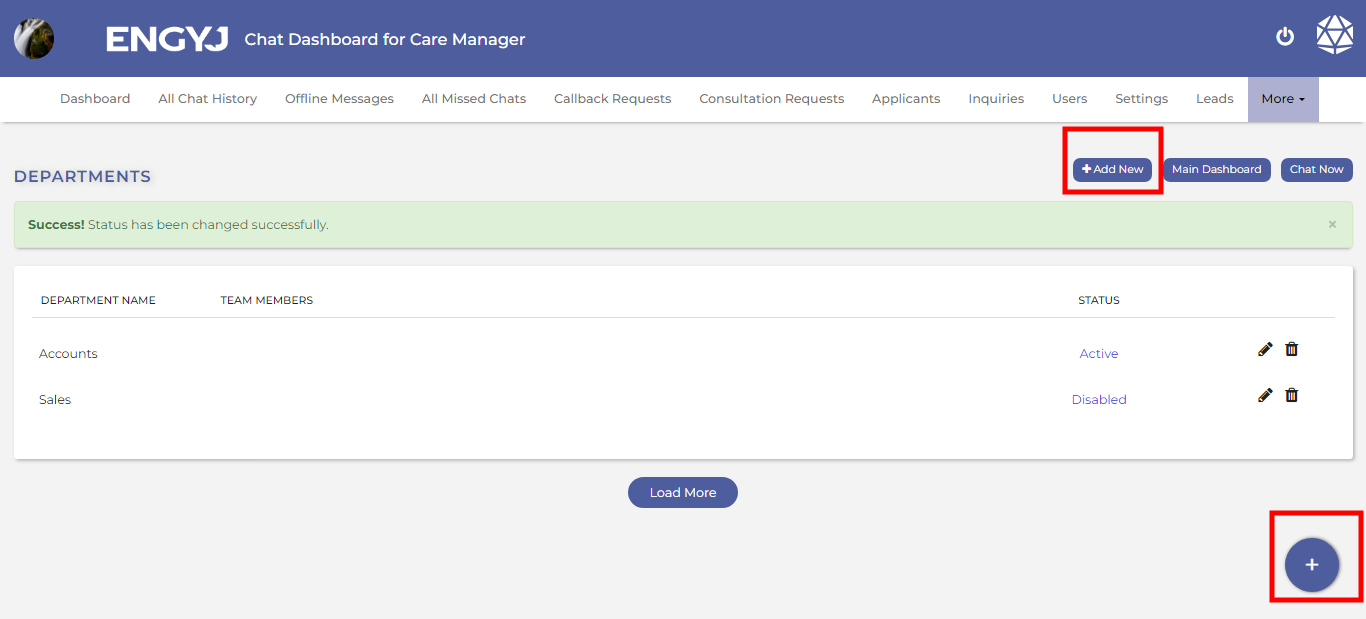
This will open a popup where you can enter the department name and hit the SAVE button to create the department.
To manage departments, go to More > Departments menu item.
To create a new department there are two option
This will open a popup where you can enter the department name and hit the SAVE button to create the department.