Delete a Department
To delete a department, go to Departments menu item.
Click the delete icon under ACTION column of the specific row in the list of the departments.
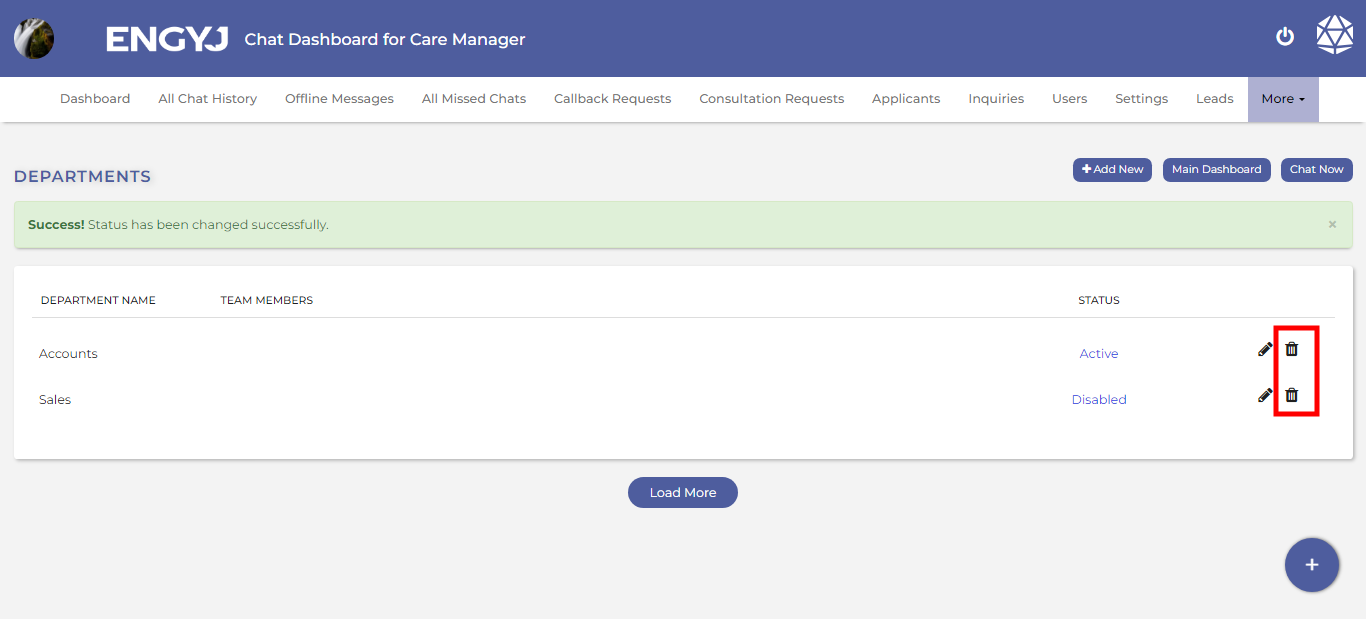
This will open a confirmation popup box with YES and No options to confirm before deleting a department. If chosen YES, then the department will be deleted from list.
NOTE: Deleting a department will permanently delete that from database. This cannot be recovered later. So, be careful when you perform this operation.