All Chat History
Chat History List
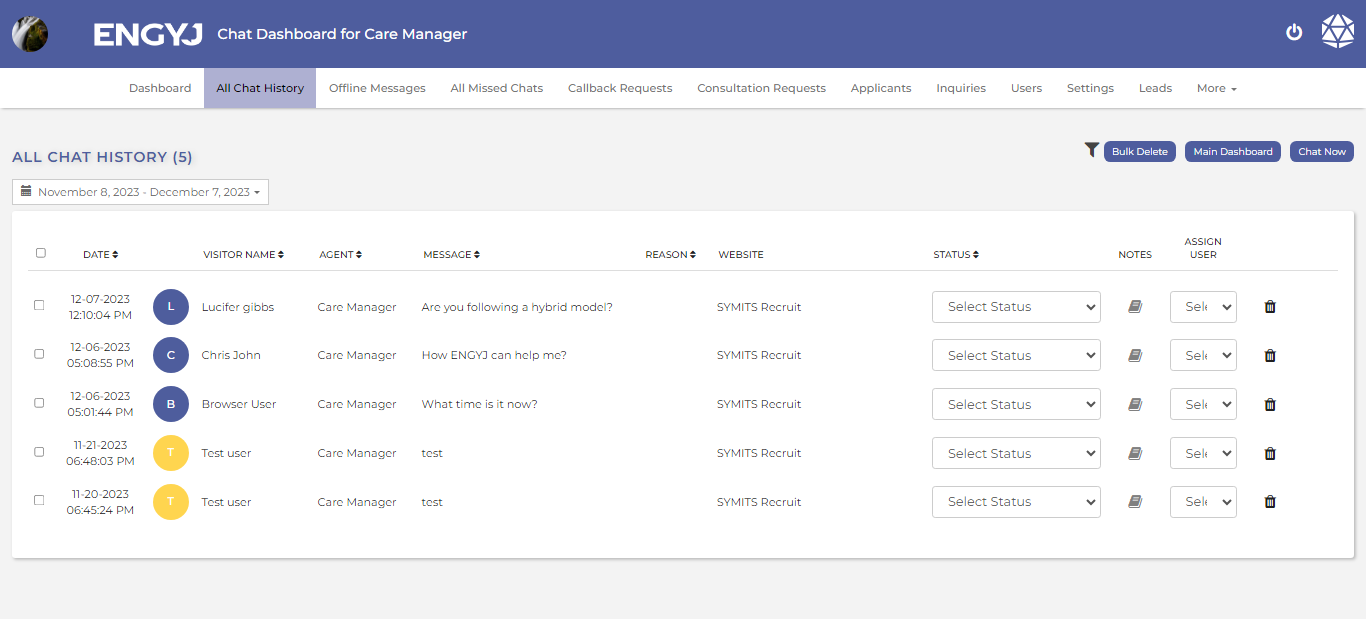
In the "All Chat History" section, all the chat conversations that have occurred between the admin and the visitor will be displayed along with some details.
To view chat history, go to the All Chat History menu item.
Here, you will find a record of all chats.
View Chat
To view chat history, go to the All Chat History menu item.
From here, you can also view the chat. Just click on the chat you want to see. The dialogue box for the chat will open up.
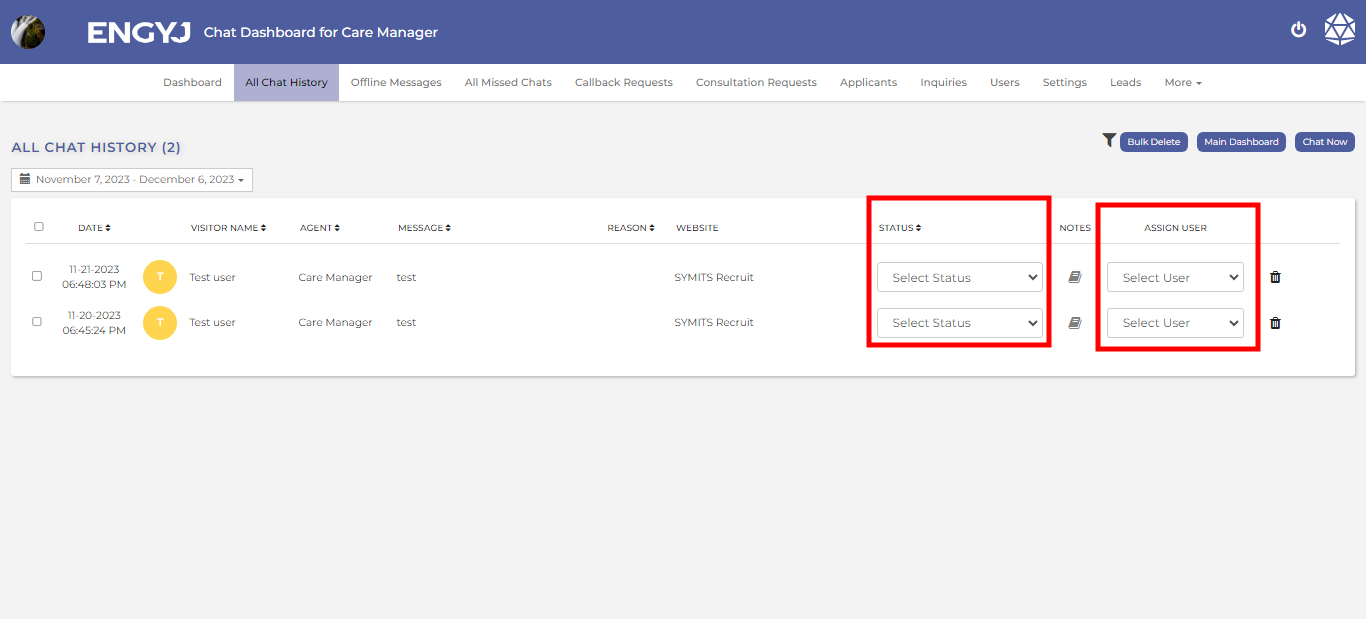
Select Status And Assign User
You can select the dropdown option available here to change the status and assign a user
Internal Note
Here, the admin can also add an internal note by clicking on the book icon.
The chat that has an internal note attached will have its book icon displayed in green.

Delete Chat
To delete chat history, go to the All Chat History menu item.
You can delete a chat by clicking on the delete icon in the right column.

This will open a confirmation popup box with YES and No options to confirm before deleting a Chat. If chosen YES, then the Chat will be deleted from list.